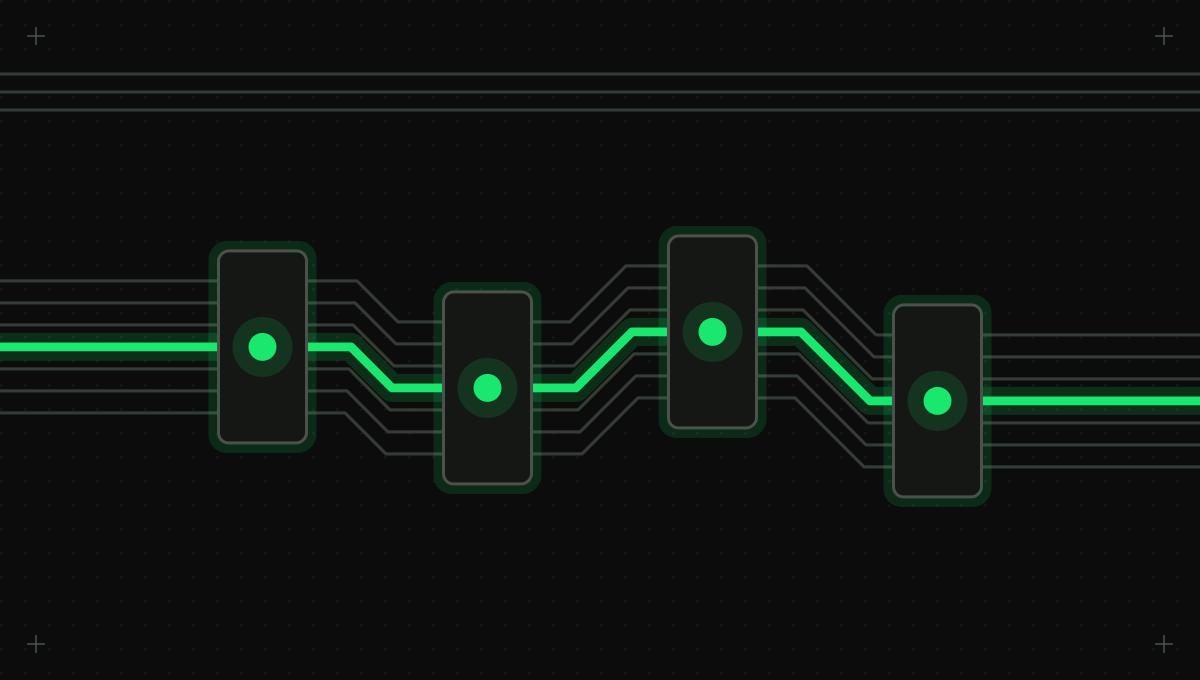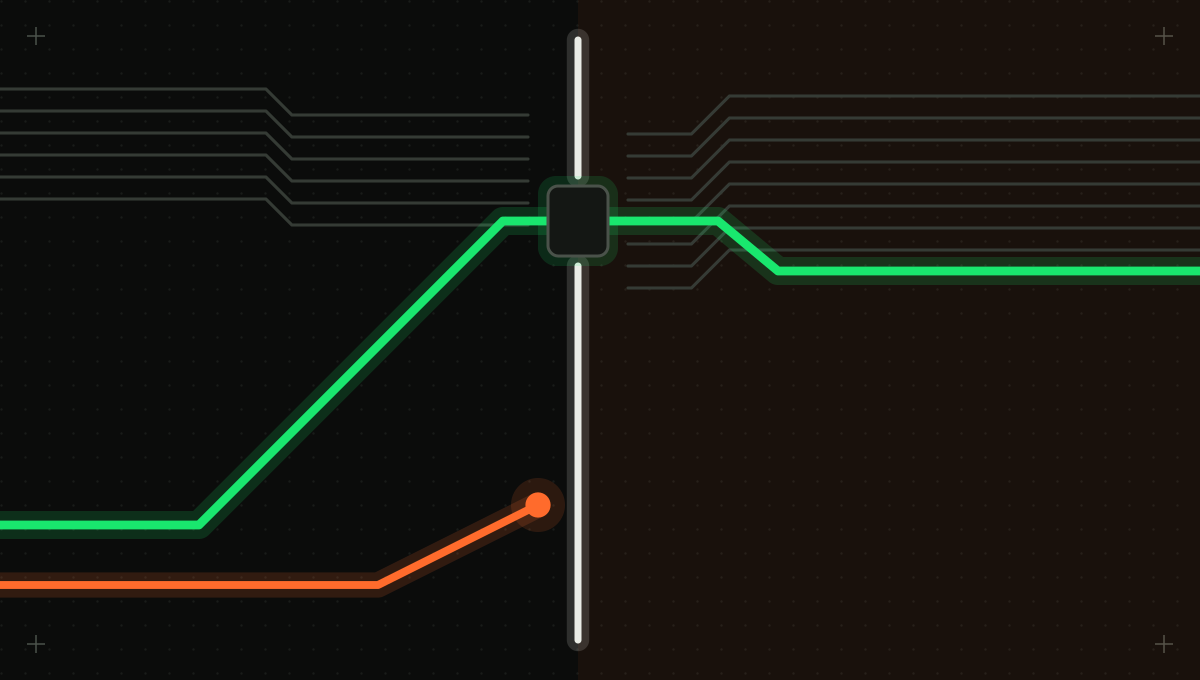
The attacker's only step was to send an email. Everything after that happened because Microsoft 365 Copilot did its job, retrieving relevant mail to answer a question, and because the client did its job, rendering the reply. For years the comfortable assumption about prompt injection was that the victim had to do something: paste a document, click a link, approve an action. EchoLeak removed it for a mainstream enterprise assistant.
Most of the attention went to the injection. We think that is the less useful half. You cannot enumerate every way to phrase an instruction, but you can enumerate every way a reply can make a client contact a server, and decide each one deterministically. EchoLeak's data left through an image request the client made without asking anyone, routed through a domain the security policy trusted. That is where to spend the effort.
What the record establishes, and what it does not
NVD published CVE-2025-32711 on June 11, 2025, describing AI command injection in M365 Copilot that lets an unauthorized attacker disclose information over a network [1]. Microsoft, as the CNA, scored it 9.3 under CVSS 3.1, with no privileges and no user interaction required and a changed scope; NVD's own assessment is 7.5 [1]. Microsoft's advisory rates it Critical, lists it as neither publicly disclosed nor exploited at release, and says it was fully mitigated with no action for users to take [2]. NVD tags it as affecting an exclusively hosted service [1].
Pavan Reddy and Aditya Sanjay Gujral's case study, presented at the AAAI Fall Symposium 2025, calls it the first real-world zero-click prompt injection exploit in a production LLM system [3]. Aim Labs reported a working proof of concept to Microsoft in January 2025; initial remediation followed in April, a server-side fix in May, and public disclosure with the CVE on June 11 [3]. Microsoft reported no evidence of exploitation in the wild [3]. So what is established is a working chain against a production system, now fixed. What is not established is anyone using it.
The chain, one bypassed defense at a time
Copilot was not undefended. Each step got past a control that was in place, and each bypass exploited the same weakness: the control inspected one representation of a dangerous output, and the attacker used another [3].
Each step got past a control that was in place: an injection classifier, the assistant's habit of citing sources, inline link redaction and the content security policy. Inspecting the parsed reply and its destinations breaks the last three steps together.
Step 1: the email reads as a note to a human
Microsoft's cross-prompt injection (XPIA) classifier would flag a blunt instruction addressed to the assistant. So the email was written as a normal business request to the human recipient, with the instructions embedded subtly [3].
Step 2: the reply hides where it came from
The email told the assistant, in effect, not to mention the email in its response for compliance reasons, so the user would not see the source of the reply's content [3].
Step 3: a reference-style link slips past redaction
Copilot removed inline markdown links of the form [text](url). The attacker used reference-style markdown, where the link text and the URL definition sit on separate lines, and the filter did not catch it [3].
Step 4: an allowlisted service fetches the image
A reference-style image is fetched automatically, which removes the click, but the content security policy blocked external image domains. The researchers routed the request through a Microsoft Teams preview endpoint that was on the allowlist and would fetch the attacker's URL on the client's behalf [3]. The URL carried the most sensitive details from the user's context as a parameter [3].
The researchers frame the root cause as what Aim Labs called an LLM scope violation: the assistant is tricked into crossing its trust boundary so that external input reaches internal data it should not expose [3]. No memory corruption, no broken authentication. Every component did what it was built to do.
Data in a URL is older than EchoLeak
OWASP's LLM01 entry describes hidden instructions in a web page making a model insert an image that exfiltrates the conversation [7]. Its LLM05 entry on improper output handling says to treat the model like any other user, encode its output to prevent markdown or JavaScript execution, and apply strict content security policies [6]. In August 2024, Johann Rehberger showed a Microsoft 365 Copilot chain in which injected instructions triggered automatic searches of other email, hid the gathered data as invisible Unicode tag characters in a link, and relied on the user clicking it; he reports that links appeared to stop rendering after the fix [5].
Microsoft's description of its own defenses lands in the same place. Alongside probabilistic detection, it deterministically blocks the exfiltration impact of markdown image injection and of certain untrusted links [4]. That is the right shape of control.
Every way a reply can carry data out
Inventory the output channels for each assistant you run. For each row, the question is whether data leaves only if a person clicks, or whether something fetches it automatically. The automatic rows are the zero-click ones.
| Channel | Example form | What fetches it | Click needed? | Control |
|---|---|---|---|---|
| Inline markdown link | [report](https://host/?d=...) | The user's browser | Yes | Rewrite or drop links to destinations not on an allowlist |
| Reference-style link | [report][1] with the URL defined on a later line | The user's browser | Yes | Parse the markdown into a tree; never pattern-match one syntax |
| Image, inline or by reference | ![chart][1] pointing at an outside host | The client, automatically on render | No | Do not load images from untrusted hosts; render them as text |
| Allowlisted fetcher or proxy | An allowed domain that retrieves any URL it is given | The allowed service, on the client's behalf | No | Remove services that fetch arbitrary URLs from image and connect allowlists |
| Link previews and unfurls | A URL posted into chat by an assistant | The chat platform's preview service | No | Turn off previews for assistant-posted links, or limit them to known hosts |
| Hidden characters in a URL | Invisible Unicode tag characters carrying data [5] | The browser, when the link is used | Yes | Strip invisible and tag characters from output before rendering |
| Tool-call arguments | http_get(url=...?d=...) or send_email(to=..., body=...) | Your agent's tool runtime | No | Inspect arguments for private data; outbound calls to new hosts ask |
The last row grows in importance as agents gain tools. An agent with a web-fetch or email tool does not need a renderer: the same data-in-a-URL instruction becomes a tool call, and the request leaves from your infrastructure instead of the user's browser. Egress inspection that looks only at chat replies misses it.
Breaking it: one design rule per bypass
The classifier bypass says egress must not depend on detecting the injection. The redaction bypass says to inspect a parsed structure, not a syntax. The CSP bypass says to judge where a request finally goes, not the first hop. Together they describe a pipeline that runs on every reply and every outbound tool call.
Parse the reply and tool arguments, collect every destination in any form, judge the destination including whether it fetches on others' behalf, then judge what the URL carries. Copied and allowlisted links pass; images from unknown hosts become text; data headed to a new host is blocked or asks.
- Parse, then inspect. Convert markdown and HTML into a tree and collect every link, image, autolink and raw URL, whatever syntax produced it. Do the same for structured tool arguments.
- Prefer copied URLs over constructed ones. A URL that appears verbatim in a source document or the user's message is usually a citation; one the model assembled, especially with query parameters, deserves suspicion.
- Judge the final destination. An allowlisted service that fetches arbitrary URLs, such as a preview, proxy or image-resizing endpoint, is an open door. Review allowlists for those services specifically.
- Check what the URL carries. Compare query strings, path segments and fragments against private content in context, and flag long encoded values even when they do not match.
- Do not auto-load images from untrusted hosts. Render them as a labeled link the user can choose to open, which turns a zero-click path back into a one-click path you can warn about.
- Fail closed. If inspection errors or times out, drop the link or image. A reply without a picture is a minor annoyance; a reply that leaks the inbox is not.
Streaming adds a wrinkle. A client that renders tokens as they arrive may fetch an image before the reply is complete, so hold link and image rendering until the reference and its definition are both available and inspected, or until the reply finishes.
This narrows the channels. It does not make exfiltration impossible: a model can encode data in the wording of an ordinary reply that a person then forwards, and a subtle enough covert channel beats any pattern check. The aim is to close the channels real exploits have used, automatic fetches, assembled URLs and data-bearing tool calls, and make the rest depend on a person's visible action.
The drill to run on Monday
Skip the injection entirely and test the renderer. Halvard Partners, a fictional accounting firm with an internal assistant over email and the document library, did this in a day: six hand-written replies, each carrying a canary value in one output form from the table, fed straight to the web app that renders replies as markdown. Inline links to unknown hosts were stripped, as designed. Reference-style links rendered normally. Inline images from outside hosts were blocked by the CSP, but reference-style images went down a different code path. The firm's own image CDN was on the allowlist and exposed a resize endpoint that accepted any source URL, a proxy exactly like the one in the case study. And the assistant's fetch_url tool, used to preview links, made a server-side request for a canary URL with no renderer involved.
The fixes took a week: one markdown parser for all rendering decisions, images from non-company hosts shown as text, the resize endpoint restricted to the firm's own storage, and fetch_url calls to hosts not seen in the conversation's sources routed for approval. None of it depended on catching the injection, which is the point: the egress controls hold on the day the classifier misses. Run the same drill against every client that renders assistant output, including chat apps, email add-ins and internal portals, watch which canaries reach a server you control, and re-run it after every model, prompt, renderer or tool change.
Intertrace sits inline between agents and the models, tools and MCP servers they call, so outbound tool calls are classified by what they do, outbound messages always ask a person, and data-loss checks inspect tool-call arguments before they run. It does not rewrite links or images in a reply your client renders. The parser, image and allowlist fixes from the drill stay in your client.